Replace the chaos with clarity
IntegraChat replaces pager hardware with a modern app running on every device in your practice.
What is IntegraChat? IntegraChat is a HIPAA-compliant office paging and staff messaging system built for dental, medical, veterinary, and eye care practices. It replaces traditional one-way pager hardware with a modern app that runs on the phones, tablets, PCs, and smartwatches your staff already own. The server installs on any Windows 10+ computer in the office, and every device connects over your existing local area network. No cloud subscription, no internet connection, and no external data storage is required, so patient information never leaves the building. Pages arrive on every relevant screen in under 2 seconds with read receipts and one-tap acknowledgment, and the system keeps working during internet outages. Setup takes under one hour on hardware you already own. The OpenDental MySQL bridge (Professional plan and above) can auto-page staff from the live appointment schedule, and the AI Analytics dashboard surfaces bottleneck rooms and busy hours. Practices typically reduce communication costs by about 60% compared to pager contracts. Pricing starts at $49 per month for up to 5 devices, with a 30-day money-back guarantee.
- Yelling down the hall or walking room to room
- Expensive one-way pager hardware
- Missed pages — no confirmation received
- No data on response times or bottlenecks
- Works on one device only
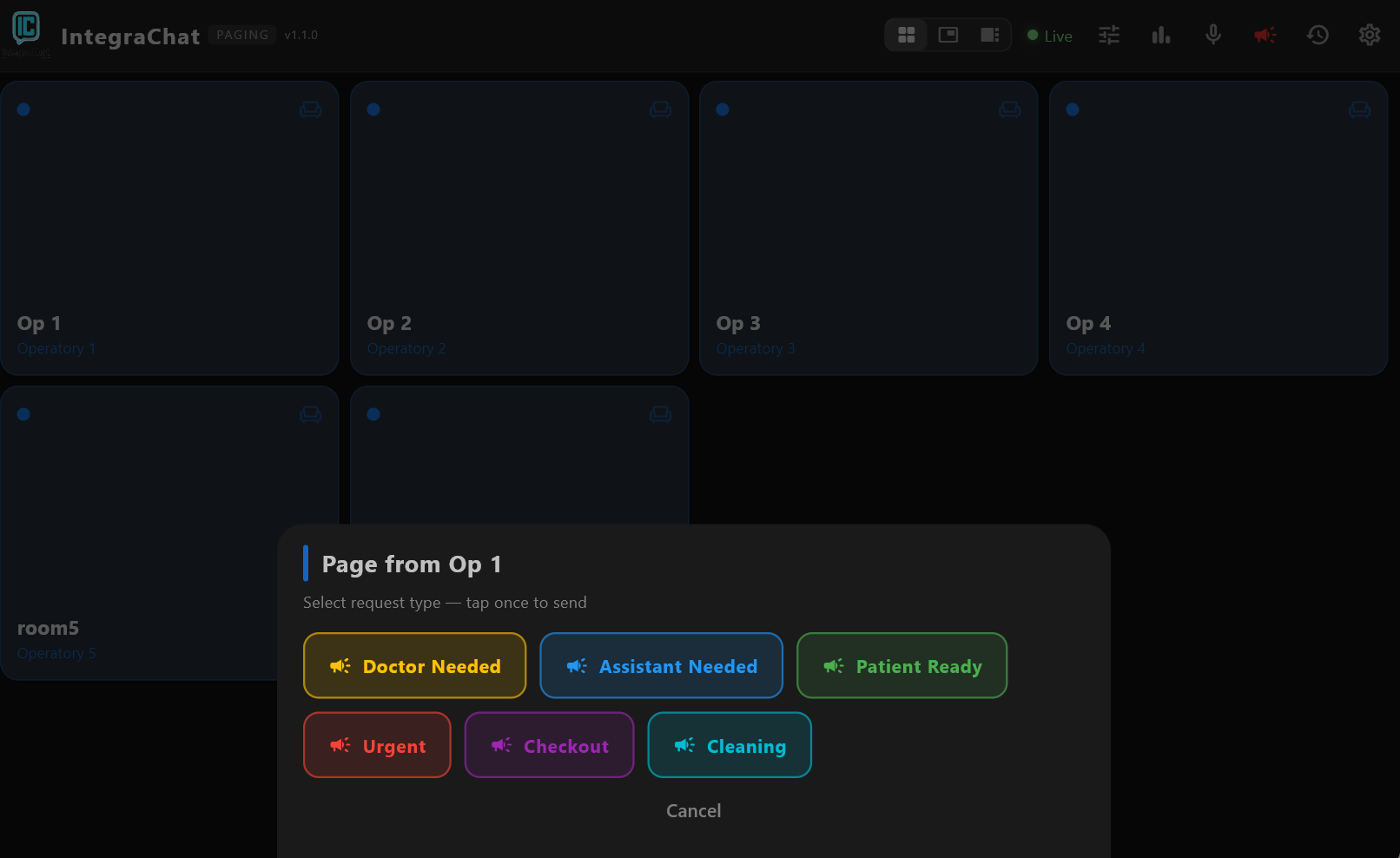
- Tap a room → page arrives instantly on every screen
- Runs on phones, tablets, PCs — no hardware
- Read receipts + ACK button confirms every page
- AI analytics spots slow rooms and busy hours
- Staff Chat — direct messages on any device
- OpenDental Bridge — auto-fill rooms from schedule
How it works: Install the server on one PC. Install the app on every device. Connect over your local network — no cloud, no internet required, fully HIPAA compliant. Start paging in under 1 hour.
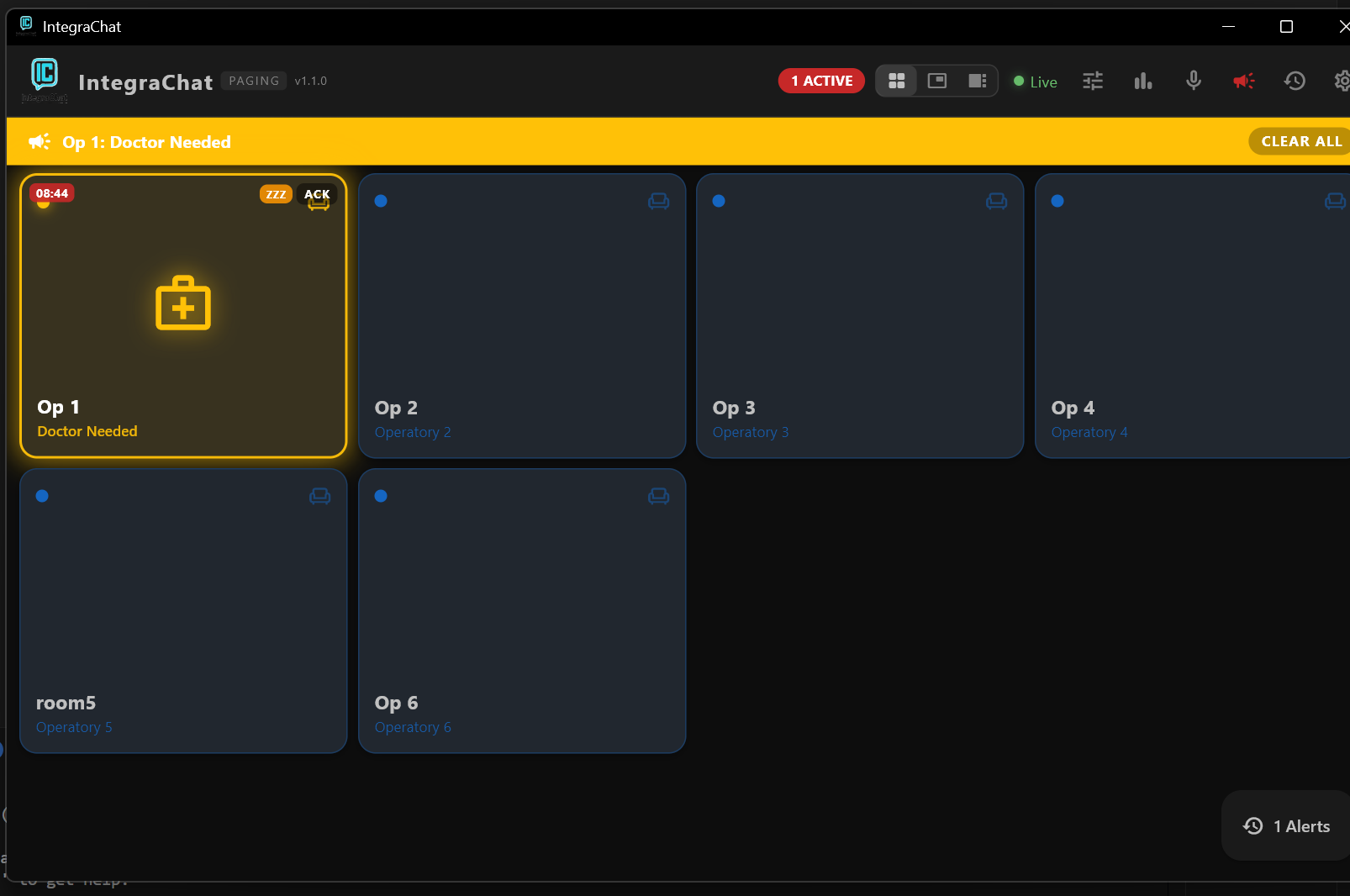
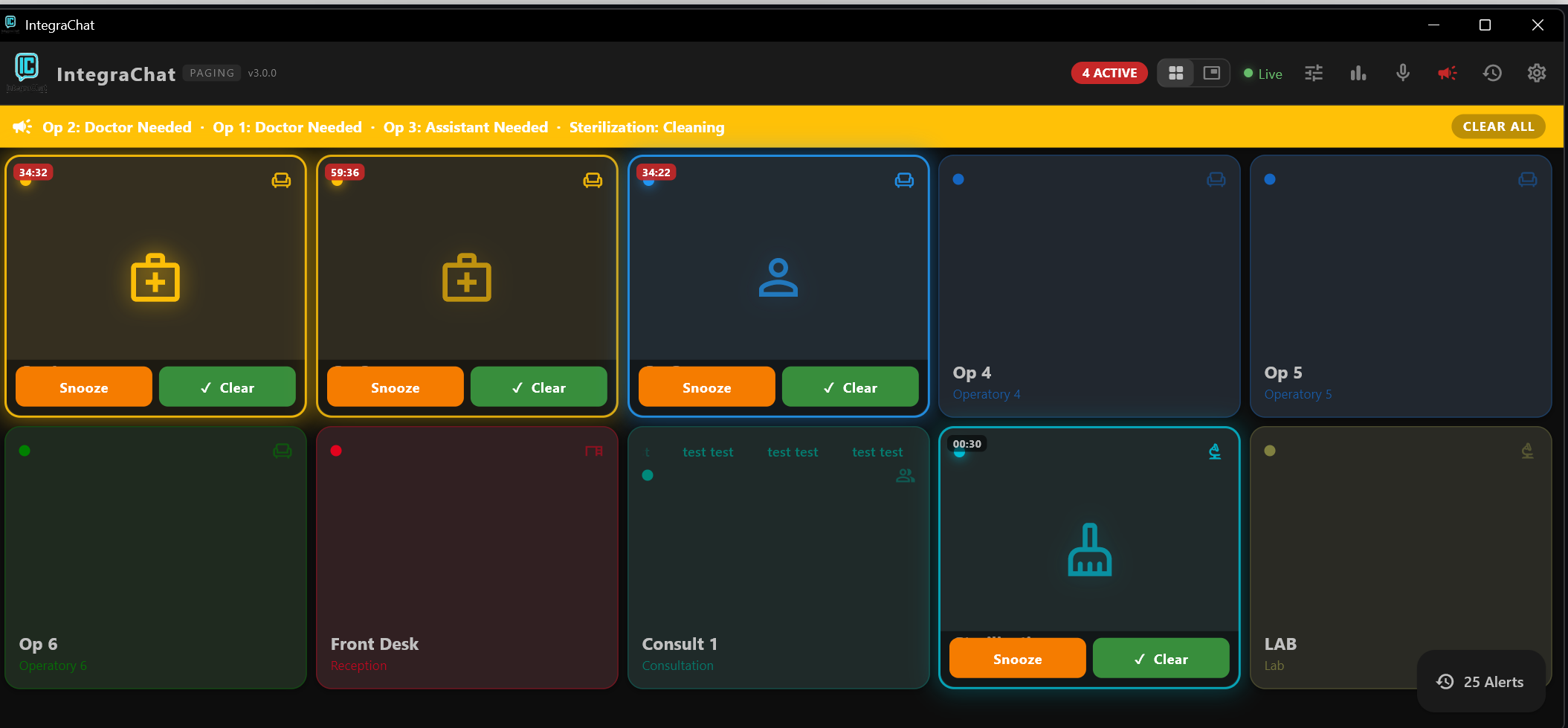
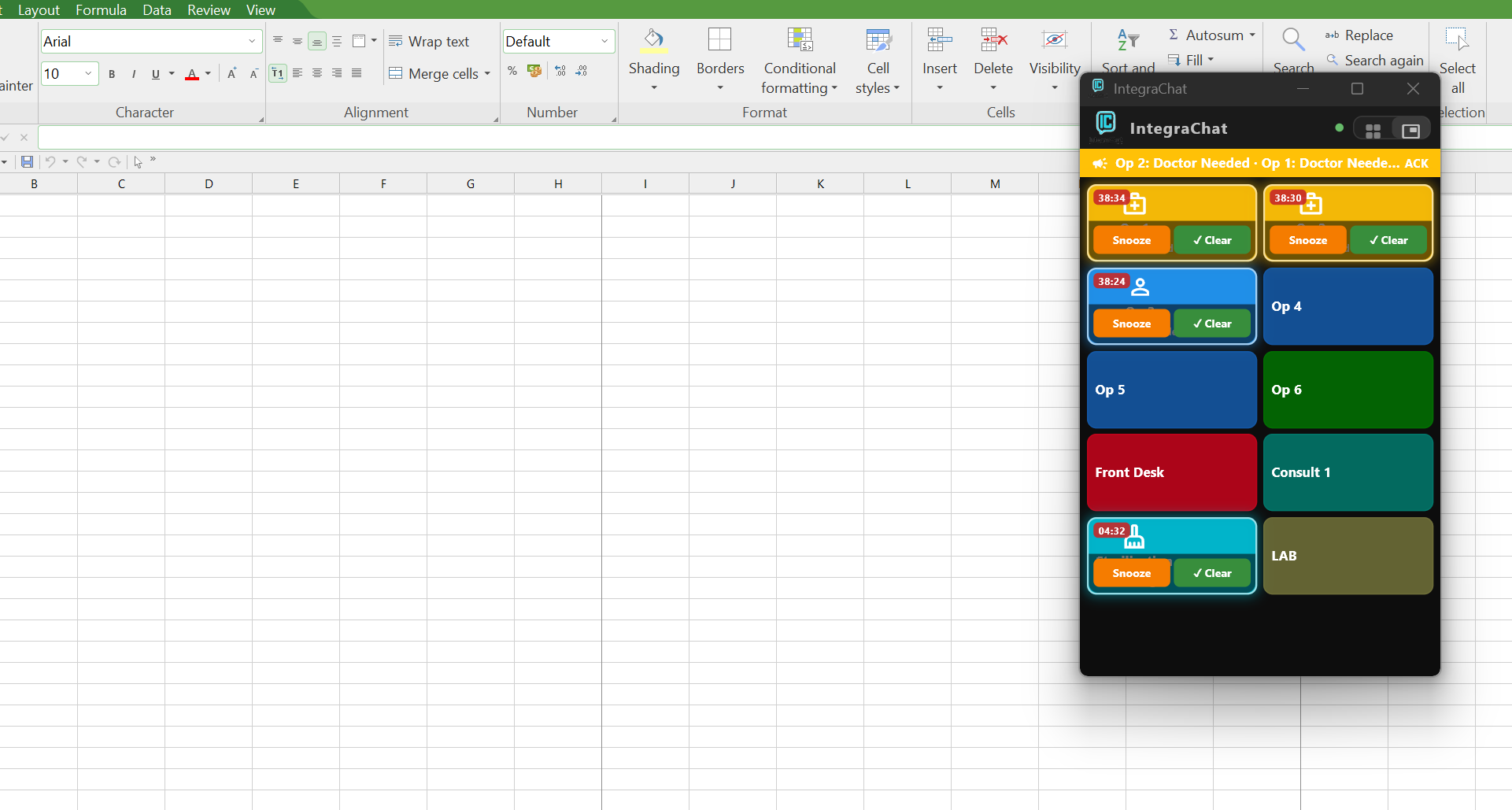
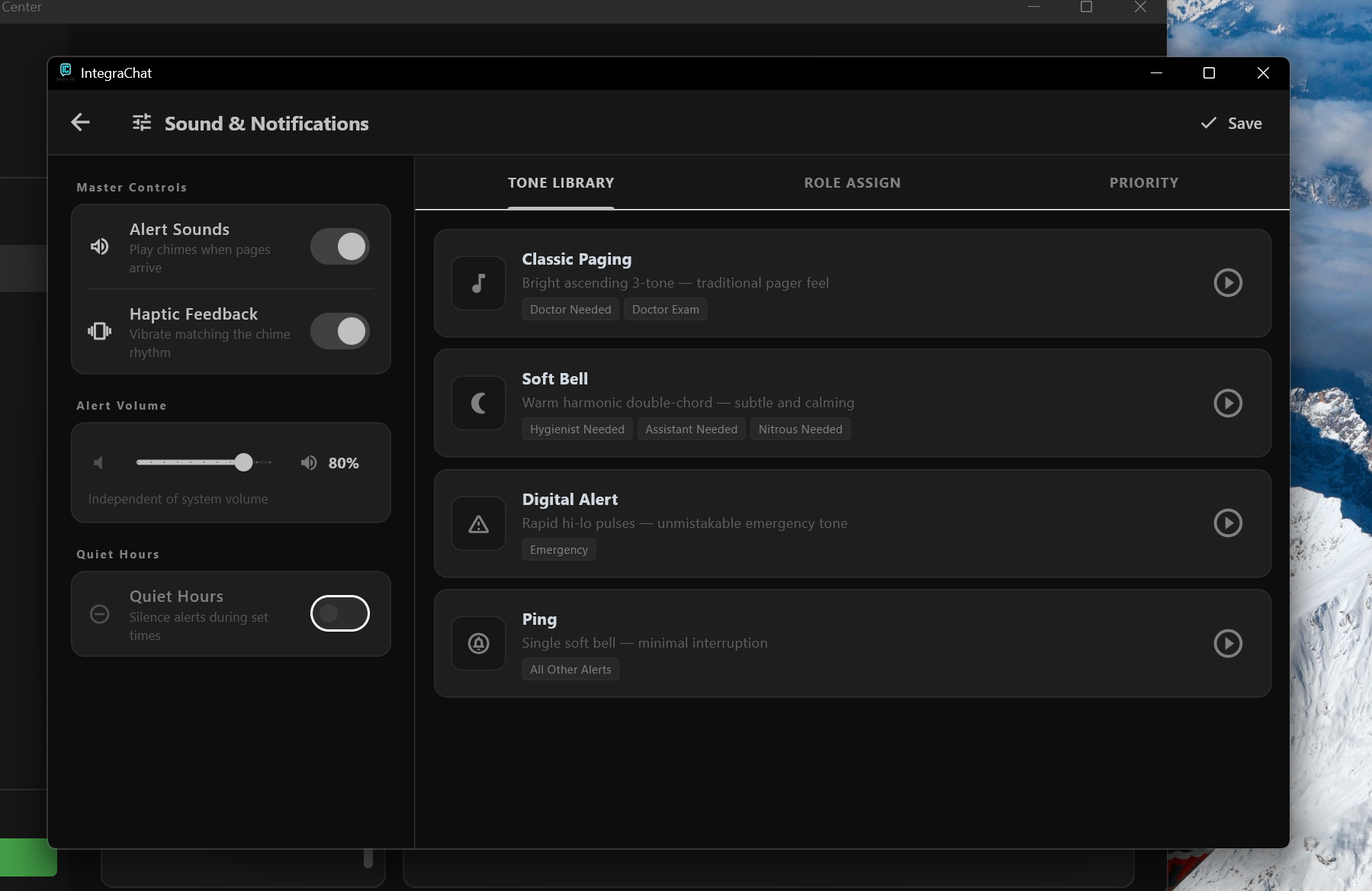
Real screens from a live practice
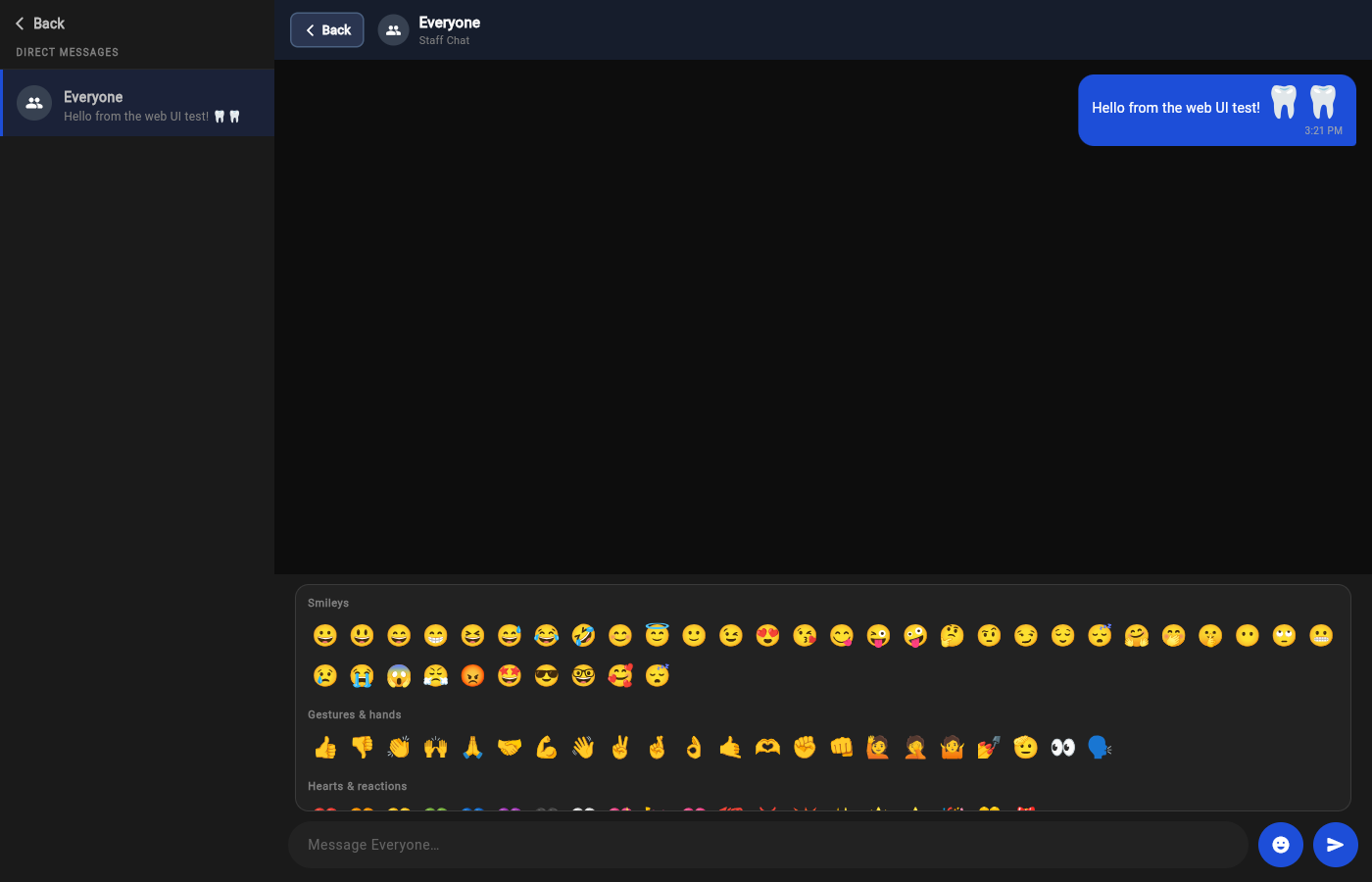
Staff Chat —
team messaging built in.
No phone numbers, no group texts, no third-party apps. Private, encrypted team chat that runs on the same network as your paging system — completely inside your office, never touching the cloud.
- Direct & group conversationsDM a coworker by name, or broadcast to "Everyone" — with real display names, not 3-letter codes.
- Built-in emoji pickerTap the smiley for categorized emoji — they render large and colorful right inside the message bubbles.
- Read receiptsSee exactly when your message was read — read state syncs across all of a user's devices and survives restarts.
- Unread badges & remindersPersisted unread counts per conversation, a Windows toast popup, and a reminder chime for anything left unread.
- Works on every devicePhone, tablet, PC, WearOS smartwatch, and Apple Watch — the same chat with the same read markers everywhere.
- HIPAA compliant & localAll messages stay on your LAN. Nothing stored in the cloud.
Engineered for precision
Every feature reduces mental load and eliminates friction in your practice.
Instant Pages, Every Device
Pages arrive in under 2 seconds on phones, tablets, PCs, and smartwatches. Read receipts confirm delivery.
AI Finds Your Bottlenecks
Analytics dashboard spots slow rooms and busy hours automatically. See which operatory is dragging down your day.
HIPAA Compliant & Local
Everything runs on your office network. No cloud. No patient data leaves your building. Encryption built in.
Staff Chat, Built In
Send quick messages directly to a coworker or broadcast to the whole team — no phones needed.
What practices are saying
"We cut room-to-room walk time in half the first week. The staff won't go back to yelling across the hall."
"Setup was done before lunch. Everything just worked on the tablets we already had — no new hardware at all."
"The AI analytics showed us that Op 3 was consistently backed up every Tuesday at 2pm. We fixed our schedule and it's gone."
Predictable pricing for unstoppable practices
Cancel anytime. 30-day money-back guarantee. No hidden fees.
Perfect for small practices getting started.
- Up to 5 devices
- Room paging & alerts
- Mobile app (Android + iOS)
- Windows desktop client
- Staff Chat
- HIPAA-compliant messaging
- Smart Heartbeat monitoring
The most popular choice for growing practices.
- Up to 15 devices
- Everything in Starter
- Side-Dock & multi-view modes
- Role-based alert icons
- OpenDental bridge (MySQL)
- AI Analytics dashboard
- Voice Paging
- Priority support & onboarding
Full power for multi-location dental groups.
- Unlimited devices
- Everything in Professional
- Multi-office management
- Cross-location analytics
- Custom Stripe + Dentrix integrations
- Dedicated account manager
- Custom SLA & enterprise support
| Feature | Starter | Professional | Enterprise |
|---|---|---|---|
| Room paging & alerts | ✓ | ✓ | ✓ |
| Mobile app (Android + iOS) | ✓ | ✓ | ✓ |
| Staff Chat | ✓ | ✓ | ✓ |
| Connected devices | 5 | 15 | Unlimited |
| Side-Dock & multi-view | — | ✓ | ✓ |
| AI Analytics | — | ✓ | ✓ |
| OpenDental bridge (MySQL) | — | ✓ | ✓ |
| Voice Paging | — | ✓ | ✓ |
| Multi-office management | — | — | ✓ |
| Cross-location analytics | — | — | ✓ |
| Custom integrations | — | — | ✓ |
| Dedicated account mgr | — | — | ✓ |
Runs on hardware you already own
Frequently asked questions
Want the full breakdown? Read our HIPAA compliance guide →
Ready to replace the chaos?
Tell us about your practice and we'll set you up with a live walkthrough.